Southern Oregon University
-

-
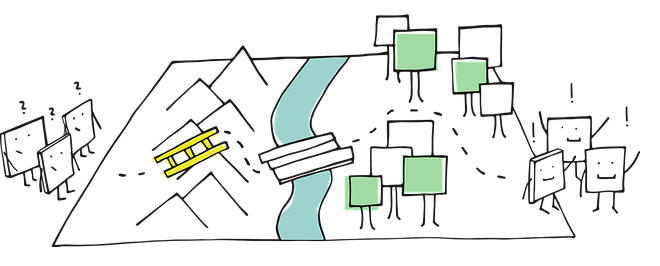
We're here to help you get started in Workday!
-
-
 For quick access, expand the blocks column on the right and check the My courses list block. You can also look for your courses in your Dashboard and My courses links at the top of any Moodle page. If you don't find a course, open this link to learn what to do next.
-