Faculty: What's New in Moodle 4.5
Completion requirements
Edit Your Course
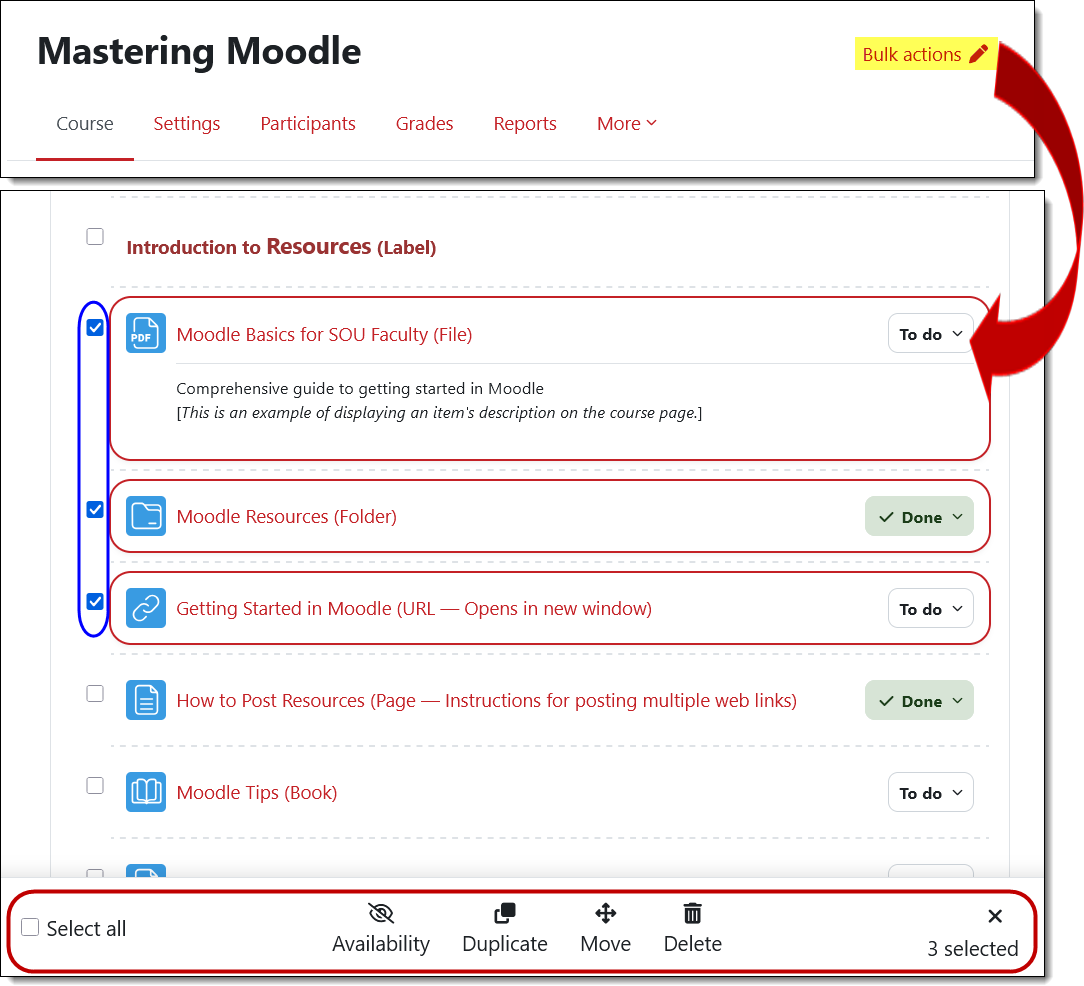
Add an activity or resource where you want it. With editing turned on in your course, you can insert a new activity or resource just where you want it by hovering over the space between existing items and clicking on the Add an activity or resource plus sign.
.
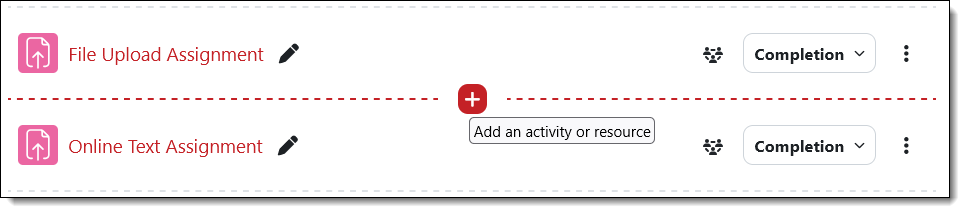
Add a new section where you want it. Similarly, you can add a section to your course by hovering between two sections and clicking on the Add section plus sign.
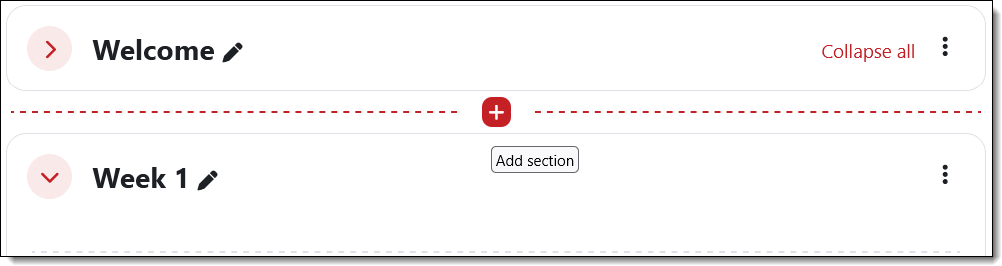
Apply bulk actions to items. Open the Bulk actions link at the top of your course page to make adjustments to multiple items at one time! (And if you get carried away, remember that deleted items can be restored from the recycle bin!)