Faculty: What's New in Moodle 4.5
Completion requirements
Use the Gradebook
Reposition Categories
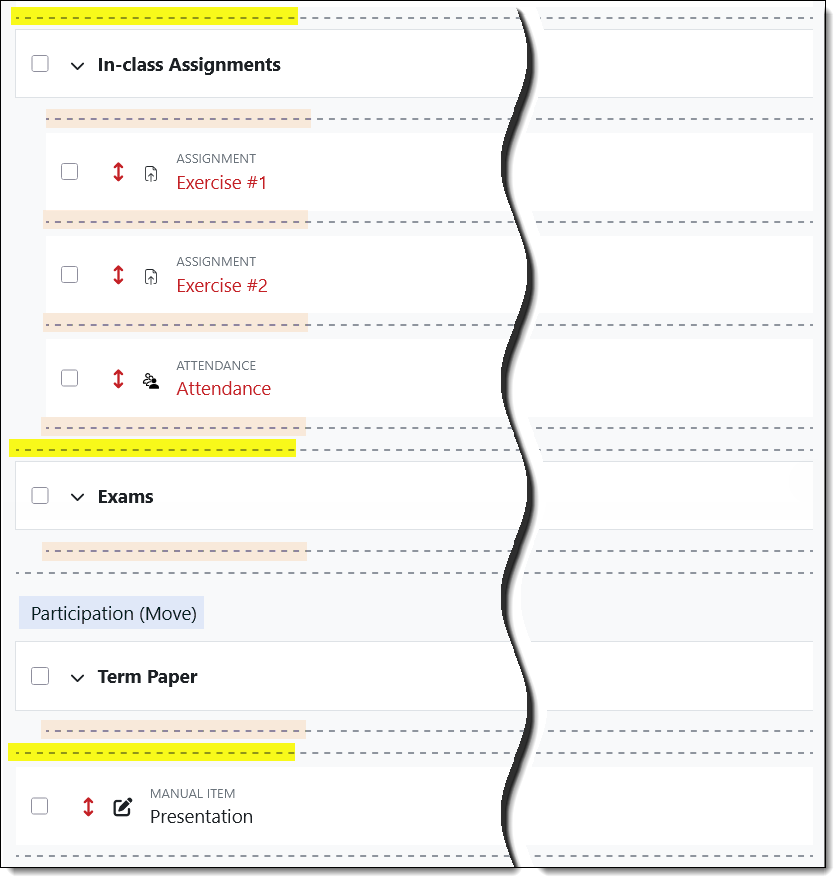
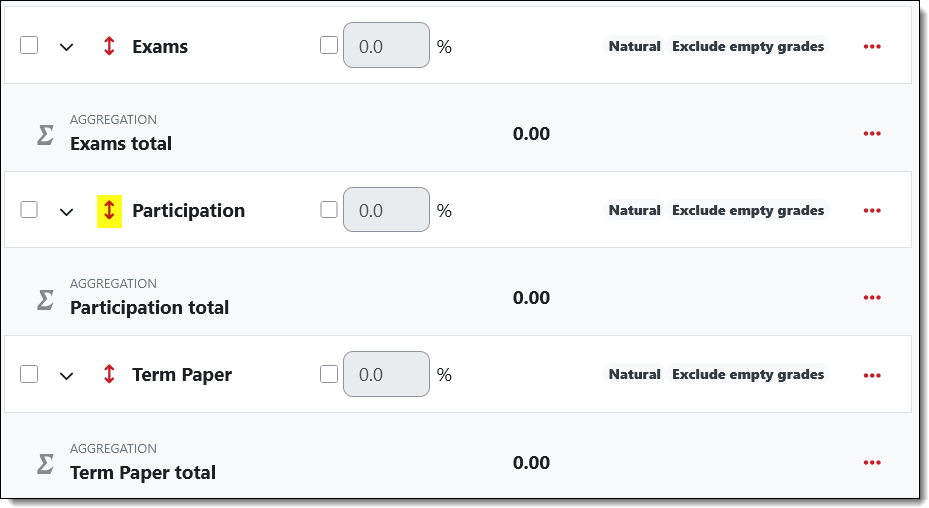
To shift a category to a different position, click on the red bi-directional arrow….
…. then click on the dotted line where you want it to reside. Be careful to choose a line that extends the entire width of the setup page (highlighted here in yellow) — if you choose a shorter, indented line (highlighted in tan), the category will become a subcategory.