Faculty: What's New in Moodle 4.5
Completion requirements
Use the Gradebook
Hide a Grade Item
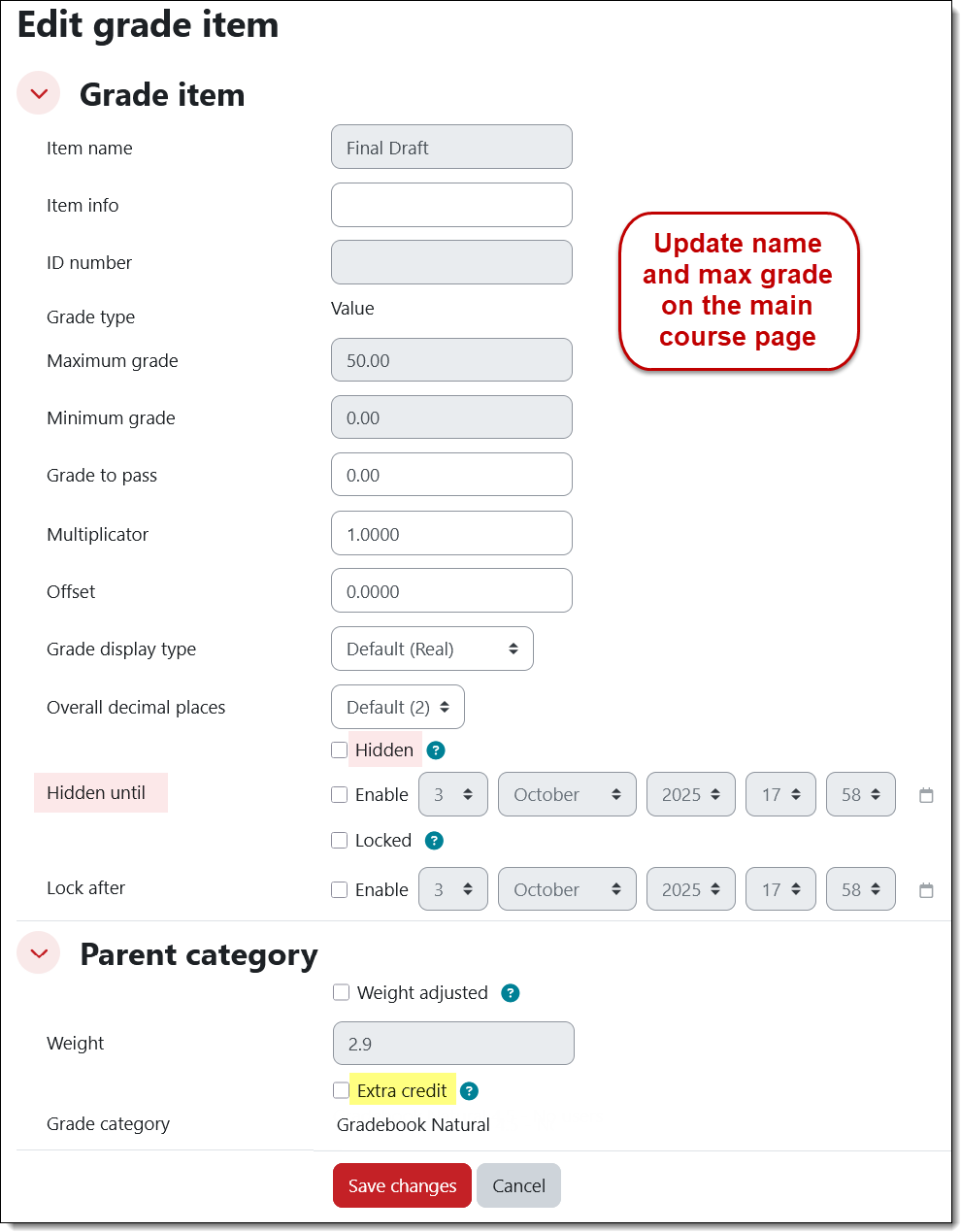
You can set a date and time for grades to become visible to students.
Open the Cell actions menu to edit a grade item. Click on the Show more…. link to select the Hidden option and click on the Enable box to enter a date and time to display scores to students. (Because this item is an assignment activity created on the course main page, you would need to edit the name and total possible points by opening its setting from the main page.)