Faculty: What's New in Moodle 4.5
Grade Assignments
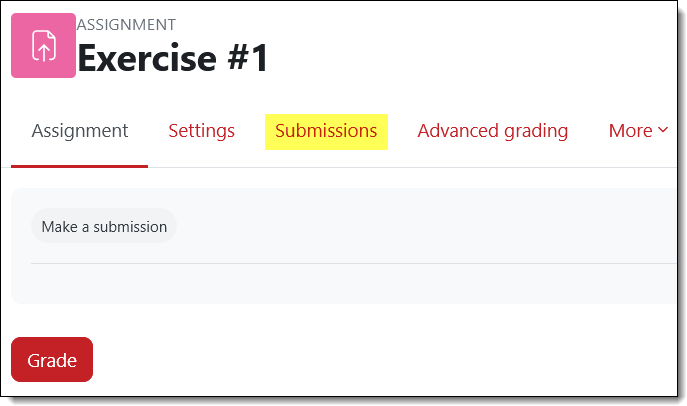
Setting up assignments hasn’t changed, but the view submissions interface has gotten a makeover. And there’s a new way to access the “View all submissions” page!
ALSO: With this version, we have had to remove the ability for teachers to submit assignments. From our early days in Moodle, we've set up assignments so that faculty could see exactly what students see in an assignment link without having to switch to student view. With this new version, a teacher was included in the view submissions and grading interfaces, which nobody wants (trust us!). To eliminate that confusion, we've removed the view-as-student setting from assignments. You can still see what students see, but you'll need to switch your role to do so.
Access submissions. When you open an assignment link, there’s a new tab labeled Submissions that provides access to the work students have uploaded for review.