Faculty: What's New in Moodle 4.5
Completion requirements
View the Question Bank
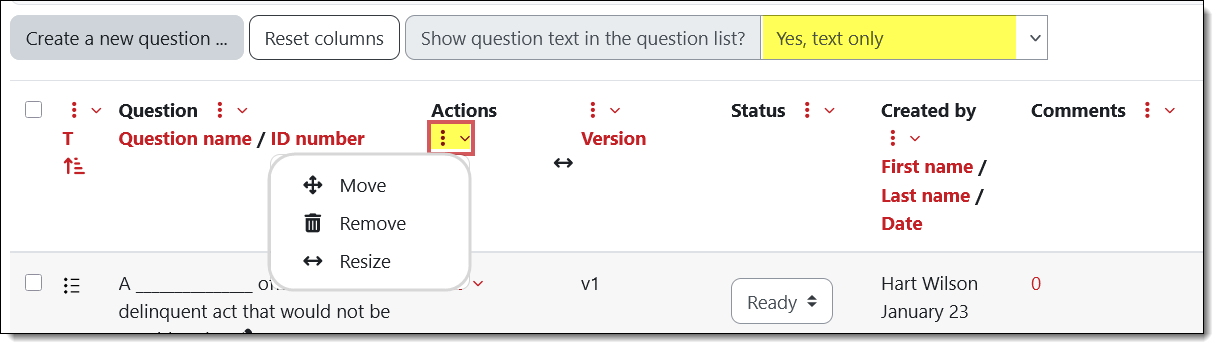
You can customize your view of questions in a question bank. Each column heading features a three-dot icon with options to move, delete or resize the column. Note that you can also choose to show the full text for each question in the list or reduce scrolling by leaving it out. See which mode works best for you in a given question list—some publisher test banks use numeric designations for question names instead of using the question text, so you'll likely want to keep the text only option activated to be able to distinguish between questions.